
How to Delete an eXpress Account
(Note: This will delete access to other ITT Flow Technologies applications)
- Open the eXpress App
- If not currently logged in, log into the application
- Tap the hamburger menu in the upper left-hand corner
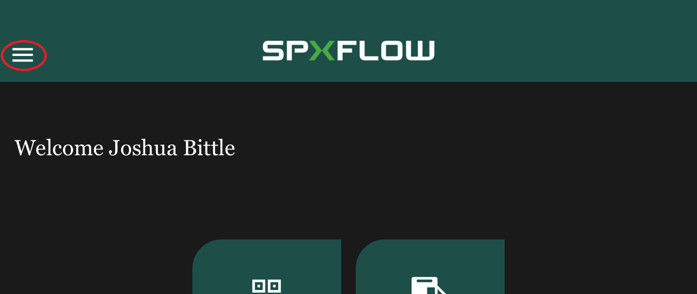
- Click "My Account"

- Click "Delete Account" at the bottom of the profile screen

- Confirm
This will delete all of your account information (username, password, email, any/all personal information attached to the account). It will NOT delete data that was entered into various ITT Flow Technologies apps. Any data entered into ITT Flow Technologies applications is the property of ITT Flow Technologies.